How to Play FightKaro on PC and Mobile
Open fightkaro.com, start the canvas, pick your fighter and a CPU opponent, choose a stage and a difficulty, then press FIGHT. For a friend, host a room and send the 6-character code. No account is required.

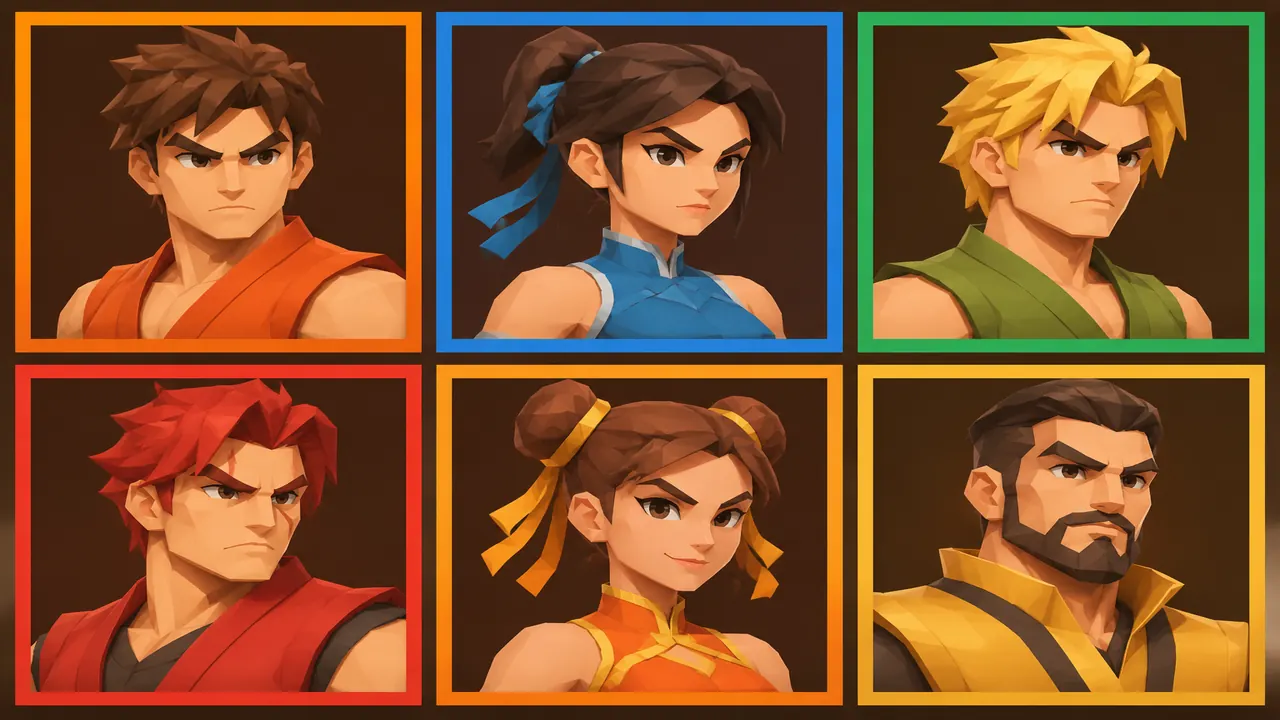
Start a CPU match
- Desktop title screen: press Enter or click. Phone: tap to start.
- Left and right change your fighter. Up and down change the CPU. Tiles work too. RANDOM picks for you.
- STAGE cycles SANSAD, JANTAR MANTAR, and DESI SADAK. CPU cycles Easy, Normal, and Hard.
- FIGHT or Enter starts. Each round is 60 seconds. First to 2 round wins takes the match. A draw gives both sides one win.
Two modes
| Mode | What you do | Limits | Status |
|---|---|---|---|
| 1P vs CPU | Pick yourself, a CPU, a stage, a difficulty | MBAPU challenge unlocks after 3 straight CPU wins | Official build |
| Play with a friend | Host a room or type a 6-character code | No public matchmaking and no account. MBAPU stays out | Official build |
On a computer
Use a current desktop browser and open fightkaro.com. Click the canvas so keys reach the game. Fullscreen is the browser control; the desktop build does not lock the display. The key list is on controls.
Friend room, step by step
- From character select, choose PLAY WITH A FRIEND.
- HOST A ROOM creates a 6-character ROOM CODE. Share on WhatsApp or copy the link.
- Your friend types the code and presses JOIN. The host sees “Waiting for your friend to join…” until they arrive.
- The host picks the stage. Neither player can select MBAPU in a room.
- A wrong code or a refresh drops the room. Host again and send the new code.
Stages
| Stage | Setting on the public screen | Selectable |
|---|---|---|
| SANSAD | Parliament at sunset | Yes |
| JANTAR MANTAR | Protest ground, New Delhi | Yes |
| DESI SADAK | Gali, thela aur traffic | Yes |
CPU difficulty
Easy, Normal, and Hard change how often the CPU blocks, how fast it reacts, and how hard it punishes. I am not reprinting the raw tuning numbers here; they live in the public build and they are not an official strategy guide. MBAPU’s own behavior does not follow those three presets. See the boss page.
When it will not start
- A portrait phone shows ROTATE YOUR PHONE. Turn sideways.
- iPhone: Share, then Add to Home Screen, is a website shortcut for a larger canvas. It is not an install pack. Details are on the play path.
- If keys type into a box, click the canvas.
- An aggressive content blocker can interrupt the room connection. The game page itself had no ad slot on 4 Nov 2026.
Questions
Can you play FightKaro with a friend?
Yes. Host a room, send the 6-character code or link, and your friend joins. No account. MBAPU is disabled in rooms.
How many rounds are in a FightKaro match?
Each round lasts 60 seconds. The match ends when one side wins 2 rounds.
Does FightKaro work on iPhone?
Yes, in the browser, landscape. Add to Home Screen is optional and is still the website.
Sources
- FightKaro game page — start prompts, room flow, stages
- Public game build — 60-second rounds, first to 2, same origin
- PWA manifest — fullscreen, landscape
- Deccan Herald, 3 Nov 2026 — browser satire fighter, modes exist
Checked 2026-11-04.